Talk to a real person, from anywhere you meet your customers.
Oktium puts a live video call behind a link, a widget, or a QR code. Your customer taps it and reaches the right person on your team, in their browser. The customer does not need an app.
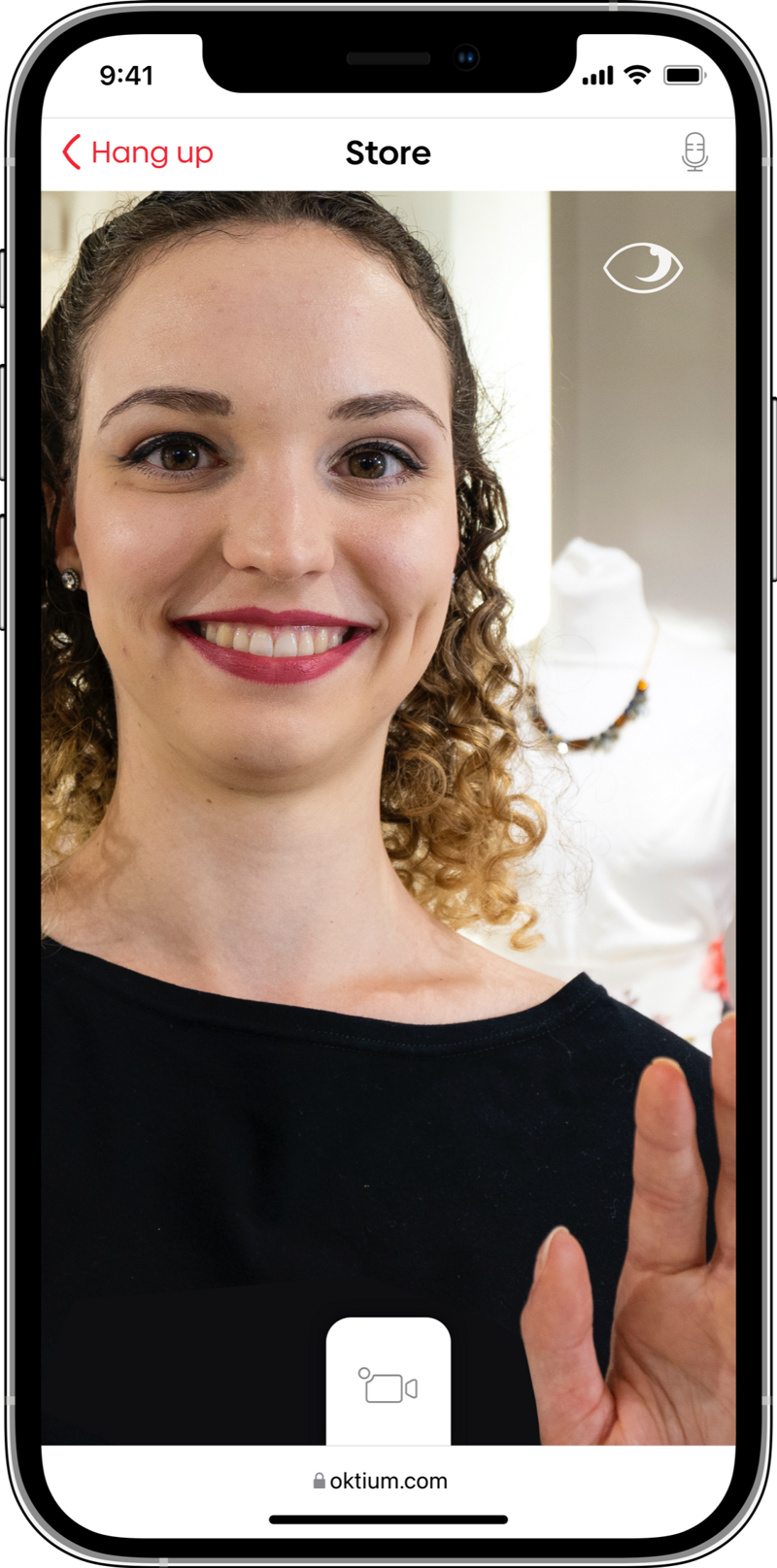
The person who could help already works for you.
Someone on your site has a question a form cannot answer, a fault they cannot describe, a car they want to see, a decision they need help with. Somewhere in your business is a person who could settle it in a couple of minutes.
Right now there is no way for those two to meet. So the customer gets a form, a queue, or a bot, and you get a callback scheduled for Thursday.
What that costs you depends on what you do.
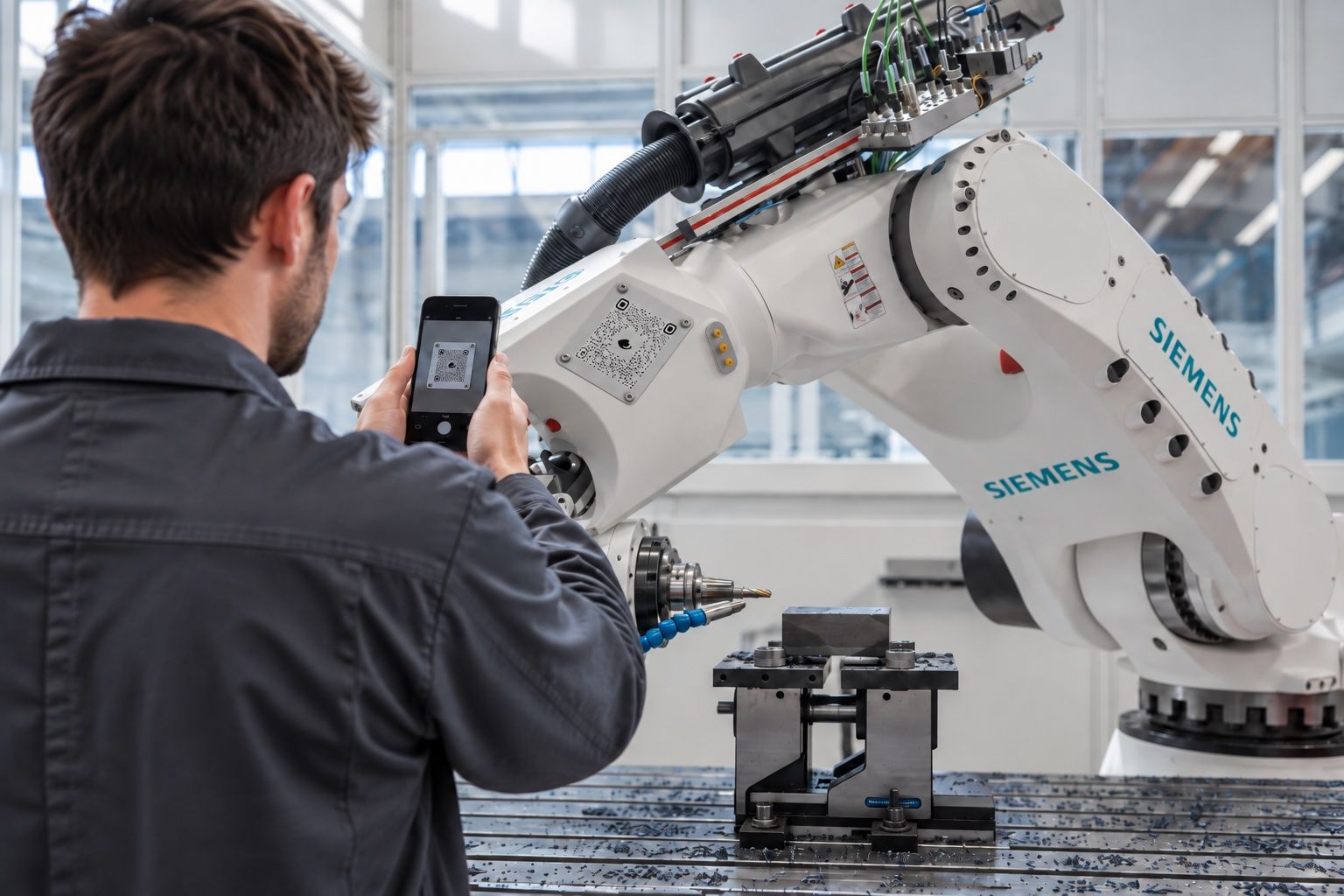
Manufacturing
- Today
A fault gets described down a phone line, or an engineer drives out to look at it.
- With Oktium
A QR code on the machine reaches your support engineer, live, with the customer and asset already identified.

Automotive
- Today
A contact form, then a callback two days later, by which time they have visited someone else.
- With Oktium
They reach a seller in the dealership, see the car, and leave with an appointment.

Retail
- Today
One unanswered question, and a basket that never gets completed.
- With Oktium
Someone who knows the product shows them, answers it, and takes the order in the call.

Services
- Today
A scheduler, a video tool, and a payment link, held together by hand, with the first consultation often unbilled.
- With Oktium
One link that books, holds, and charges for the session.
Five steps, once, for everyone.
They arrive
A Face2 widget on your site, a link you share, a campaign link, or a QR code on a machine, a product, or a poster.
They tap
The call opens in their browser. No app, no account, no download.
It routes
The link already knows the branch, the department, and the account. The call reaches the right person, not a queue.
You answer
Your team can answer calls in the browser at 4b.oktium.com or in the Oktium 4B iOS app.
You act inside the call
Show, explain, request details with their approval, book the appointment, create the order, take the payment.
What sits around the call.
- Routing to a branch, a department, or a named person
- Staff availability, so calls reach someone who can actually take them
- Call logs and interaction data
- Customer data requests, approved by the customer in the moment
- Appointments, orders, and payment through connected gateways
- CRM, CMS, ERP, analytics, API, CSV, and webhook integration
- Face2 button styled to your brand
Scroll horizontally to explore the diagram.
Video and audio flow both ways. During the same session, the business requests payment, offers an appointment, or asks for contact details. The customer pays, confirms, or approves sharing their details.
No app for your customer.
Your customer opens a browser. Your team answers in one.
Or scan this and reach us the way your customers would.
Talk to us.
Tell us what your customers get stuck on, and we will show you what it looks like when a person can answer.